
DELL EMC D-PVM-OE-01 Practice Exams
Last updated on Nov 16,2026- Exam Code: D-PVM-OE-01
- Exam Name: Dell PowerMax Operate v2 Exam
- Certification Provider: DELL EMC
- Latest update: Nov 16,2026
SIMULATION
A customer has a clone session for the storage group DATA that is no longer needed.
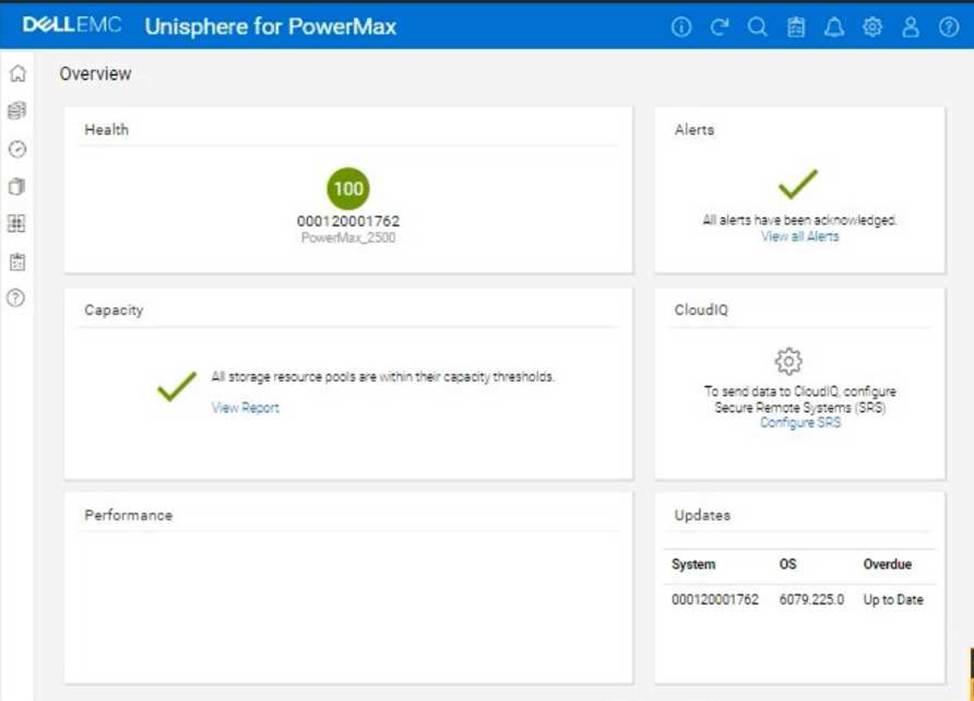
Using the simulator, terminate the clone session for the storage group.
Here’s a step-by-step guide on how to do this, based on typical Unisphere functionality and the context of the question:
Steps:
SIMULATION
A customer has a clone session for the storage group DATA that is no longer needed.
Using the simulator, terminate the clone session for the storage group.
Here’s a step-by-step guide on how to do this, based on typical Unisphere functionality and the context of the question:
Steps:
SIMULATION
A customer has a clone session for the storage group DATA that is no longer needed.
Using the simulator, terminate the clone session for the storage group.
Here’s a step-by-step guide on how to do this, based on typical Unisphere functionality and the context of the question:
Steps:
When reviewing storage group compliance for a specific storage group, you notice that the weighted response time for the storage group over the last four hours is compliant Upon further research, you see that the weighted response time for the last two weeks does not meet the defined response time for the assigned service level.
What is the overall compliance status for the storage group?
- A . Stable
- B . Marginal
- C . Non-compliant
- D . Critical
C
Explanation:
Step by Step Comprehensive Detailed
When evaluating storage group compliance in PowerMax, Unisphere considers the weighted response time of the storage group against its defined service level objectives (SLOs). The compliance status is determined based on how well the storage group meets its response time goals over different time periods.
In this case, even though the storage group’s weighted response time is compliant over the last four hours, the fact that it does not meet the defined response time for the last two weeks indicates an overall non-compliant status.
This means that while the storage group might be performing adequately in the short term, it has not consistently met its performance goals over a longer period. This could indicate potential performance issues or the need for adjustments to the storage group’s configuration or service level.
Why other options are incorrect:
When reviewing storage group compliance for a specific storage group, you notice that the weighted response time for the storage group over the last four hours is compliant Upon further research, you see that the weighted response time for the last two weeks does not meet the defined response time for the assigned service level.
What is the overall compliance status for the storage group?
- A . Stable
- B . Marginal
- C . Non-compliant
- D . Critical
C
Explanation:
Step by Step Comprehensive Detailed
When evaluating storage group compliance in PowerMax, Unisphere considers the weighted response time of the storage group against its defined service level objectives (SLOs). The compliance status is determined based on how well the storage group meets its response time goals over different time periods.
In this case, even though the storage group’s weighted response time is compliant over the last four hours, the fact that it does not meet the defined response time for the last two weeks indicates an overall non-compliant status.
This means that while the storage group might be performing adequately in the short term, it has not consistently met its performance goals over a longer period. This could indicate potential performance issues or the need for adjustments to the storage group’s configuration or service level.
Why other options are incorrect:
SIMULATION
A company is preparing for a major product launch and a quarterly compliance audit. Perform a system health check to ensure that the storage array with SID – 1762 is functioning optimally, and also review the compliance status, generate and download the compliance report for all SGs.
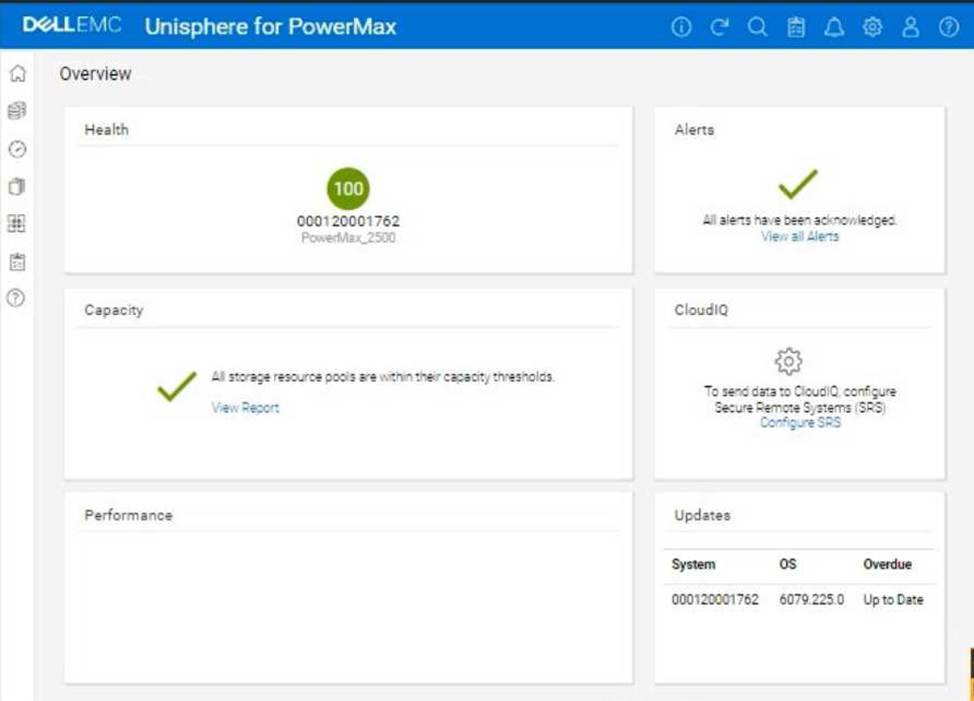
Use the simulator to complete these tasks.
Here’s how you would do it in the Unisphere for PowerMax simulator, based on the provided image and common Unisphere functionality:
Steps:
What is the default size of a Gatekeeper on a PowerMax array1?
- A . 3KB
- B . 3 cylinder
- C . 6KB
- D . 6 cylinder
B
Explanation:
Step by Step Comprehensive Detailed
A Gatekeeper in PowerMax is a small, dedicated device used for communication between the storage array and Solutions Enabler (SYMCLI), the command-line management interface. The default size of a Gatekeeper on a PowerMax array is 3 cylinders.
While the size can technically be specified in kilobytes (KB), the traditional and preferred unit for Gatekeeper size is cylinders. This is because cylinders represent a specific number of blocks on the physical disks, and using cylinders helps ensure consistent sizing across different disk types and configurations.
Why other options are incorrect:
SIMULATION
The web application server web_host_1 is deprecated. Remove all resources associated with the host to clean up the environment.
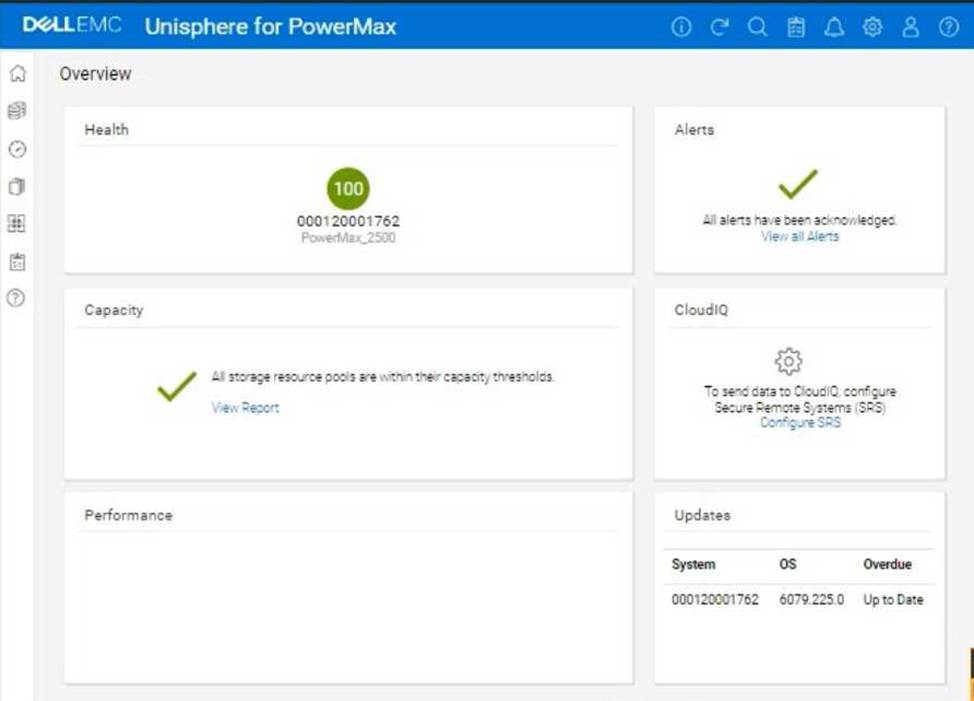
Using the simulator, complete the task.
Here’s a step-by-step guide on how to accomplish this, based on typical Unisphere functionality and the context of the question:
Steps:
SIMULATION
The web application server web_host_1 is deprecated. Remove all resources associated with the host to clean up the environment.
Using the simulator, complete the task.
Here’s a step-by-step guide on how to accomplish this, based on typical Unisphere functionality and the context of the question:
Steps:
Which three device types can be managed using Solutions Enabler and Unisphere?
- A . SRDF Thin Devices (RDF1 or RDF2)
- B . Thin BCV Devices (BCV+TDEV)
- C . Internal Thin Devices (Int+TDEV)
- D . Data Devices (TDATs)
- E . Thin Devices (TDEV)
ACE
Explanation:
Step by Step Comprehensive Detailed
Dell PowerMax storage arrays utilize different device types for various purposes. Solutions Enabler (SYMCLI) and Unisphere for PowerMax are management tools that can interact with these device types. Here’s a breakdown:
SRDF Thin Devices (RDF1 or RDF2): These devices are specifically used for SRDF (Symmetrix Remote Data Facility) replication. RDF1 devices represent the local copy of data in an SRDF relationship, while RDF2 devices represent the remote copy. Both Solutions Enabler and Unisphere can manage these devices to configure and monitor SRDF replication.
Internal Thin Devices (Int+TDEV): These are thin provisioned devices that reside within the PowerMax storage array. They are used for general storage purposes and can be managed by both Solutions Enabler and Unisphere for tasks like provisioning, allocating capacity, and monitoring performance.
Thin Devices (TDEV): This is a general term for thin provisioned devices in PowerMax. Thin provisioning allows for efficient storage utilization by allocating capacity on demand. 1 Both Solutions Enabler and Unisphere can manage these devices.
https://www.n-able.com/blog/thin-provision-vs-thick-provision#:~:text=Thin%20provisioning%20allocates%20disk%20space,need%20at%20any%20given %20time.
https://www.n-able.com/blog/thin-provision-vs-thick-provision#:~:text=Thin%20provisioning%20allocates%20disk%20space,need%20at%20any%20given %20time.
Why other options are incorrect:
B. Thin BCV Devices (BCV+TDEV): BCV (Business Continuance Volume) devices are used for creating point-in-time copies for disaster recovery. While Solutions Enabler can manage BCV devices, Unisphere for PowerMax has limited functionality for managing them directly.
D. Data Devices (TDATs): TDATs are physical devices within the PowerMax array. While Solutions Enabler can interact with TDATs at a lower level, Unisphere for PowerMax primarily focuses on managing logical devices and storage groups.
Reference and documents of Dell’s public documentation for PowerMax Operate v.2:
Dell PowerMax Family: Essentials and Best Practices Guide: This guide provides an overview of PowerMax devices and their management. It mentions the different device types and how they are used in the PowerMax environment.
Dell Solutions Enabler 10.0.0 CLI User Guide: This guide provides detailed information about Solutions Enabler commands for managing various device types, including SRDF devices, thin devices, and internal devices.
Dell Unisphere for PowerMax 10.0.0 Online Help: The online help documentation for Unisphere for PowerMax explains how to manage different device types through the graphical user interface, including provisioning, monitoring, and configuring storage.